Build apps for robots.

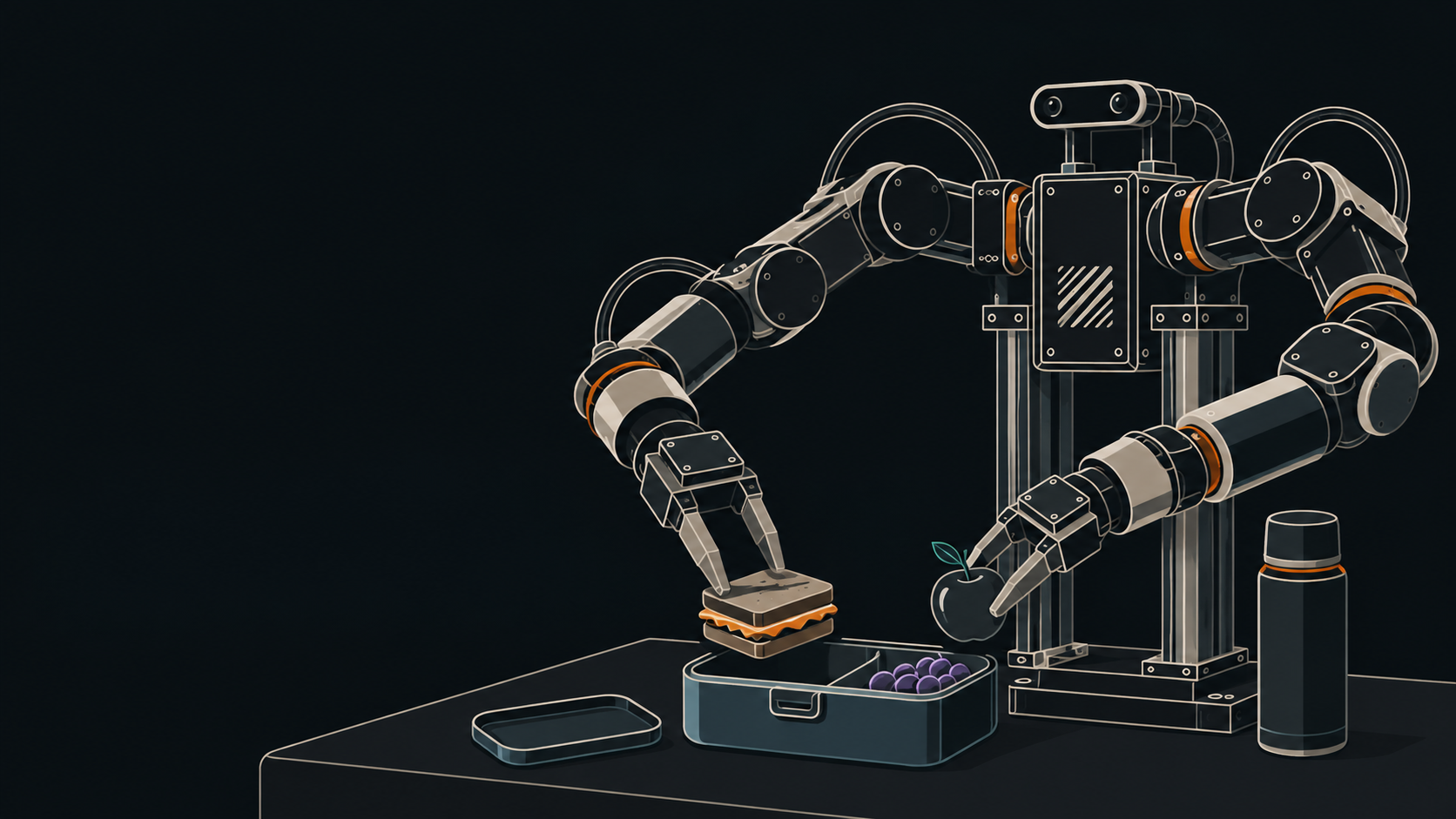
A robot arm lowers a sandwich into an open lunchbox on a workbench.

Give robots useful work.

Change what they do.

See what’s running and step in when it matters.

Your robot. Your code.

Write Python that reads a camera, follows a route, or controls a tool through the capabilities your robot exposes. Keep using your existing ROS 2 drivers and controllers.

Robot profiles expose the hardware capabilities. Your App decides what to do with them.

See how the SDK works
Read battery and follow navigation · Python
from ringfour import Robot

with Robot("ws://127.0.0.1:10101") as robot:
    battery = robot.get_battery()
    if battery is not None:
        print("Battery:", battery.level)

    goal = robot.places.get("inspection")
    with robot.start_navigation(goal) as op:
        for update in op.updates():
            print(update.state, update.progress)

        result = op.result()
        print("Arrived:", result.final_pose)

Build Apps around capabilities.

A patrol App needs a robot that can navigate between waypoints. An inspection App needs a way to get a clear view of a gauge. With the Ringfour SDK, you write your App around the capabilities it needs. Publish it to your workspace, then use Studio to install and configure it on robots whose profiles provide those capabilities.

  1. Write

    Use the Python SDK to define the job, what it needs from the robot, and which settings people can change.

  2. Publish

    Release a version to your Ringfour workspace so your team can install and run it.

  3. Use

    Pick a compatible robot in Studio, configure the App, and start a run. Find its output and history in Logbook.

Build your first App

What you could build

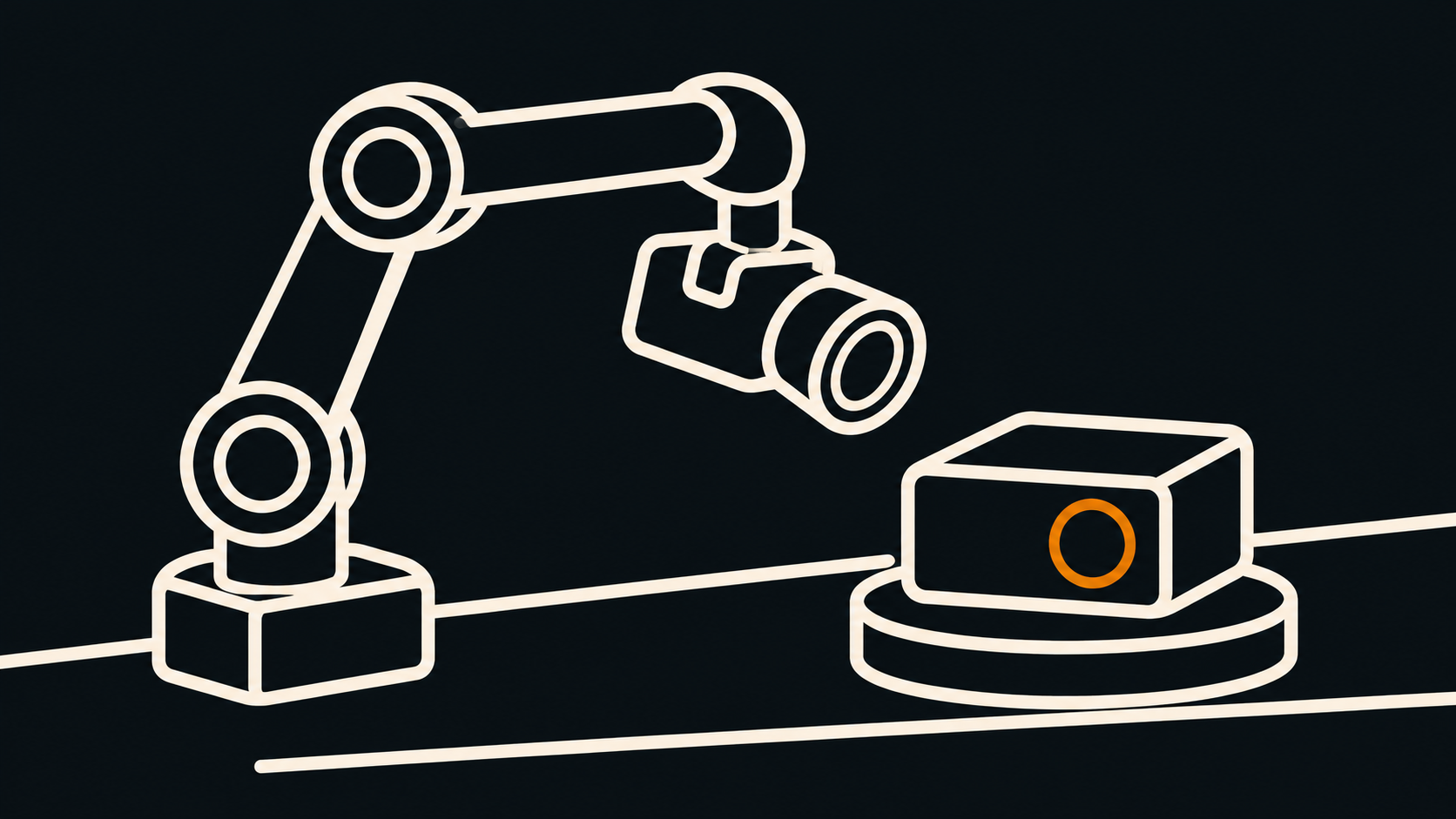
A robot-mounted camera aimed at a small device on a workbench.

Camera Bot

  • RGB camera
  • Arm kinematics
  • Joint trajectories

Film smooth, repeatable product shots at the workbench.

How it works

Choose the subject and the shot. The App moves a robot-mounted camera around the subject, keeps it in frame, and records the clip.

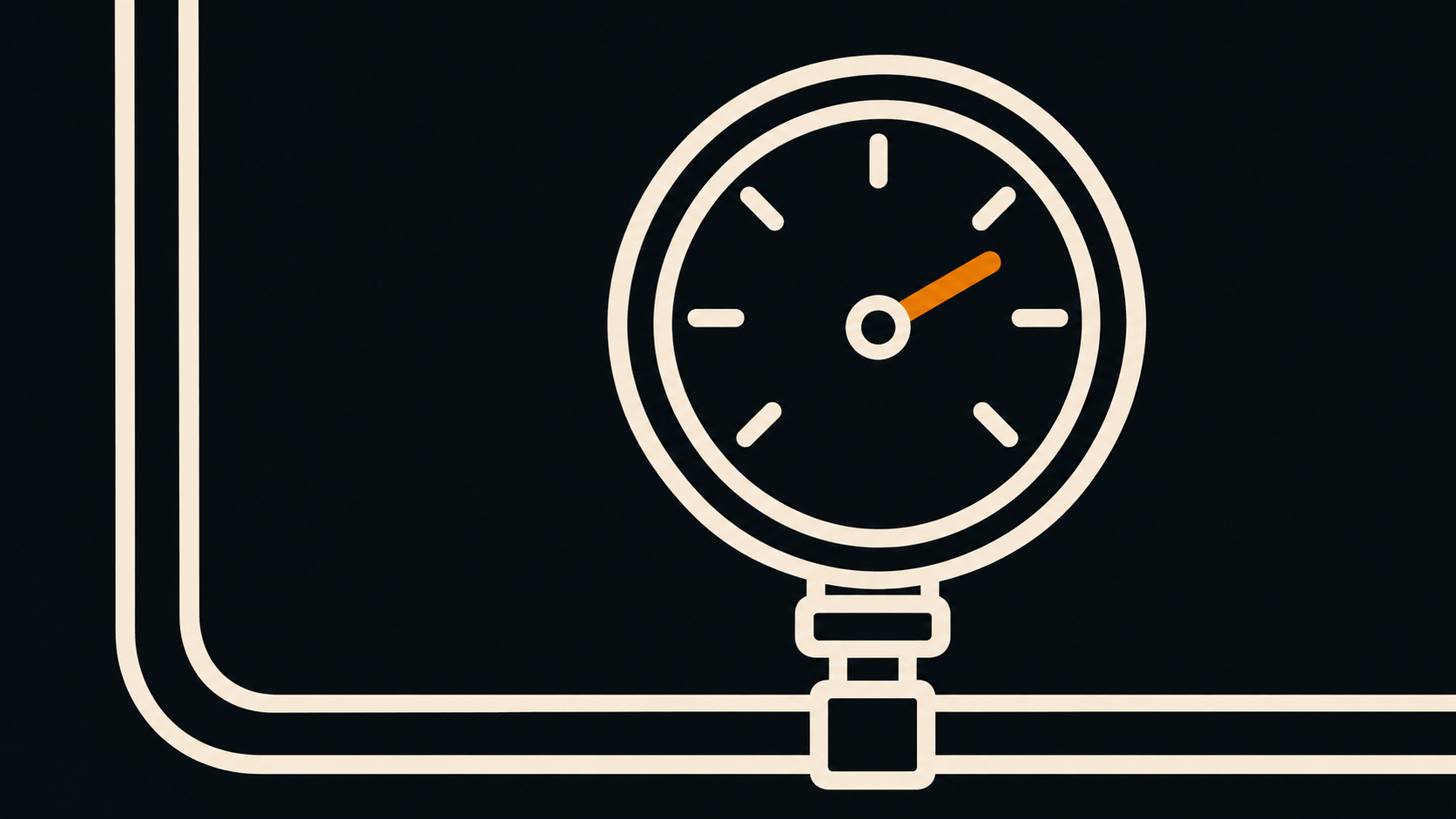
Close-up of a pipe-mounted analog pressure gauge with an orange needle.

Inspection

  • RGB camera

Read an analog pressure gauge and keep a record of each check.

How it works

Capture a photo of the dial. The App reads the needle against the scale and saves the reading with the image. If it can’t read the dial clearly, it flags the image for review.

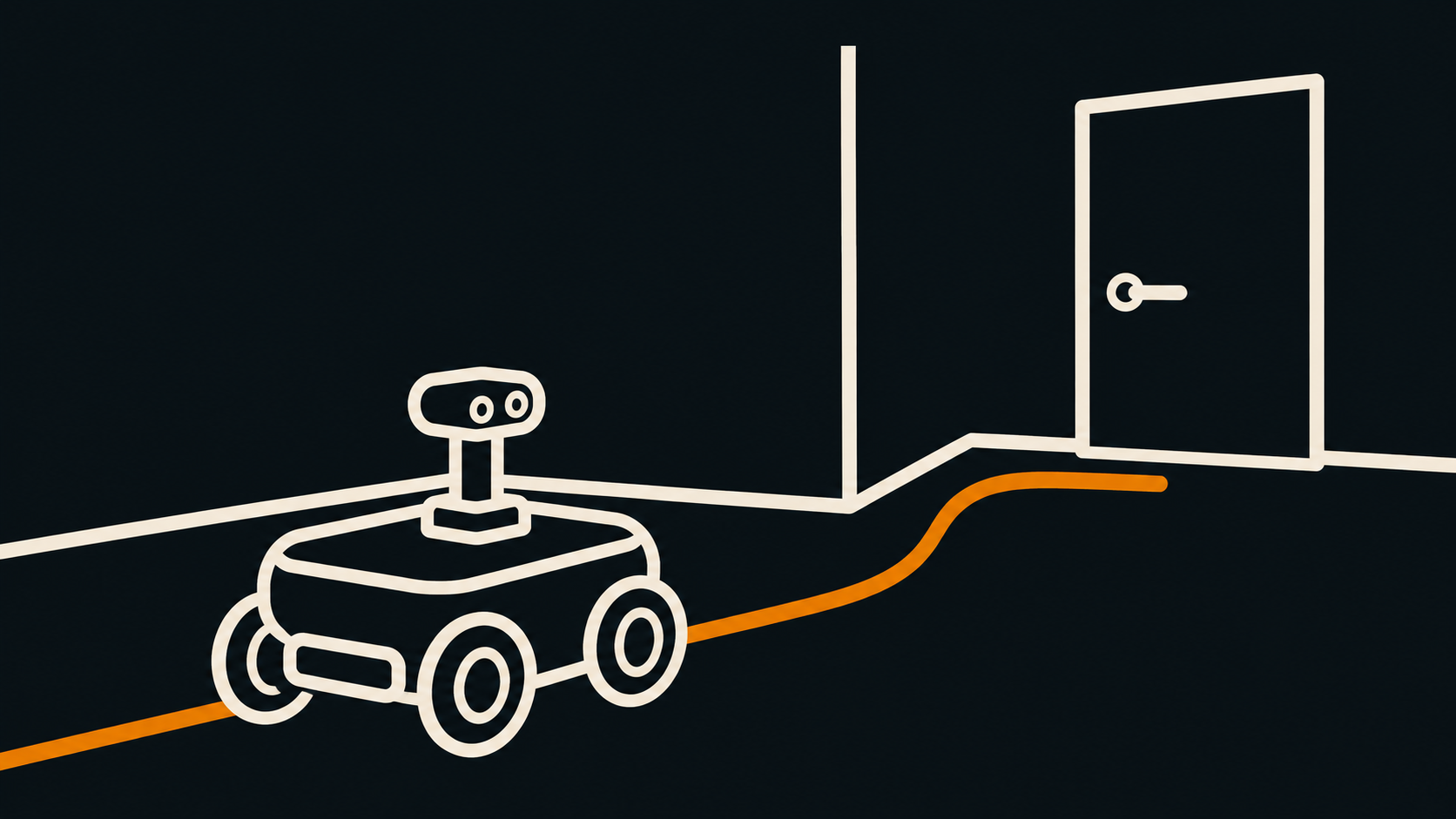
A small wheeled robot follows an orange route around a corner toward a closed door.

Patrol

  • Waypoint navigation
  • Map-frame pose

Send a robot around the same route and see which stops it reached.

How it works

Choose the stops and their order. The App follows the saved route, logs each stop it reaches, and flags any it couldn’t reach.

The control panel for your robots.

Install Apps, see what your robots are doing, and step in when they need you.

Find an App in Hub or import one someone shared with you. Pick a compatible robot and install it.

The Studio Hub listing for Camera Snapshot Loop with its robot picker open.The installed Camera Snapshot Loop App with virt2 selected and the Start action visible.Studio Home showing Camera Snapshot Loop running on virt2 and an idle robot.An active Studio run with a pending request and response choices.A completed Studio run with its Logbook events and published snapshot.

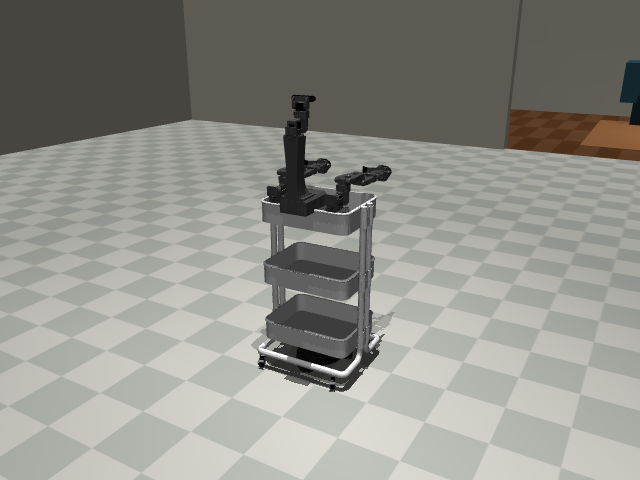
Different robots. One approach.

Explore all robots

For the people who make robots useful.

Robotics developers
Write Apps in Python on top of your ROS 2 stack.
Integrators
Reuse a workflow across robots that expose the capabilities it needs.
Robot manufacturers
Give developers a documented way to use your hardware.
Researchers
Write repeatable experiments and inspect what each run produced.
AI teams
Use models and learned policies inside a robot App.

Built on the tech you trust.

Keep your ROS 2 stack.

Keep the drivers, controllers, and navigation you already use. A Ringfour profile gives your App access to the robot capabilities it needs.

Use the libraries you want.

Run a LeRobot policy with PyTorch, load an ONNX model, process images with OpenCV, or add a web UI with FastAPI or Gradio. If a Python package or native dependency runs in your target container, you can bring it along.

Ship it all as one App.

Use your own Dockerfile to package your code, model weights, dependencies, and UI. Publish it as one release. Studio installs and runs it on compatible robots.

See the App template

Make something.

Start with the open-source SDK, or clone a small Python App and follow it from your terminal to a run in Studio.